
Photo Editor2.8 - Get APK
You'll be able to download in few seconds.
Publisher Description

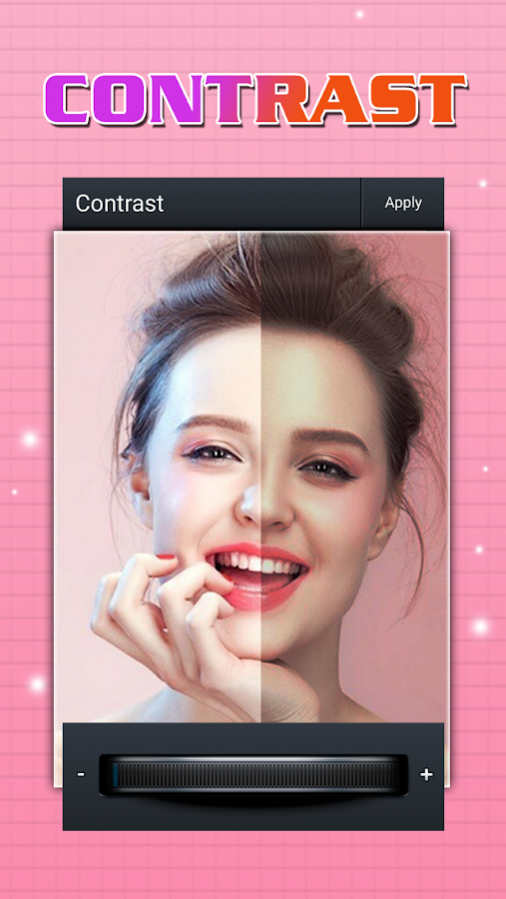


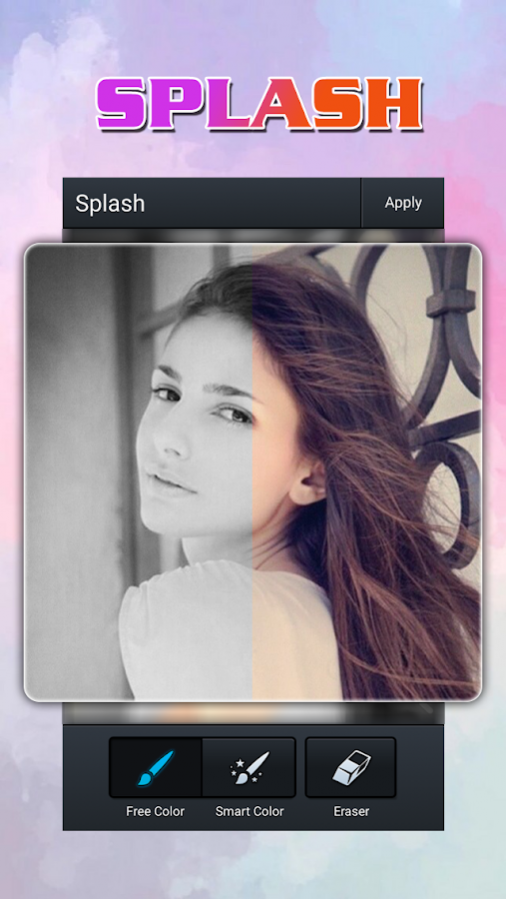
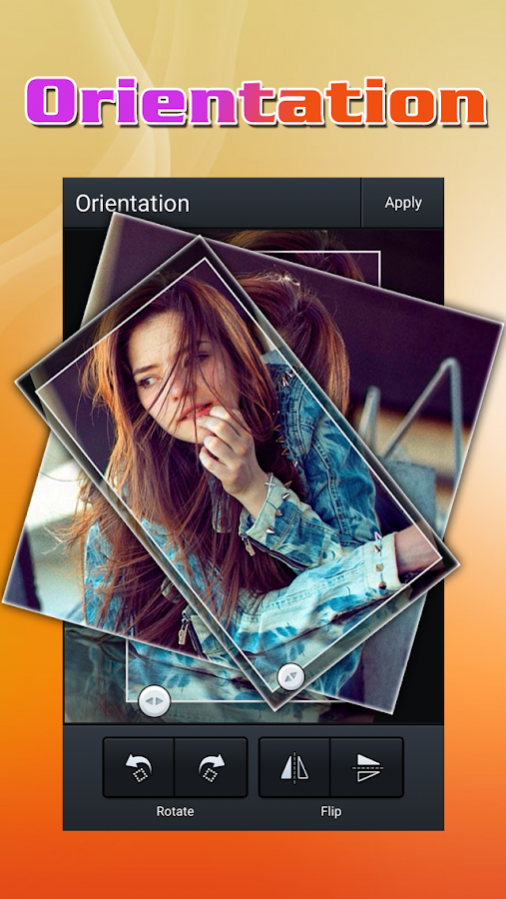
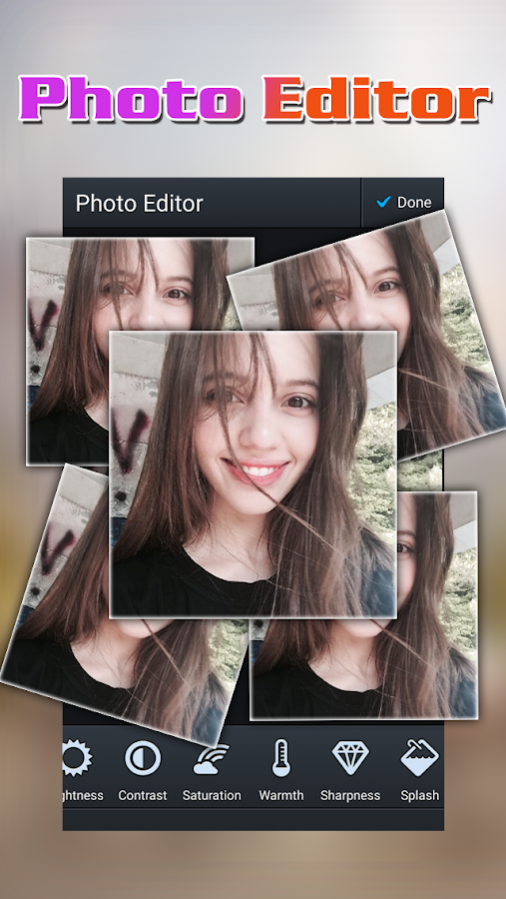
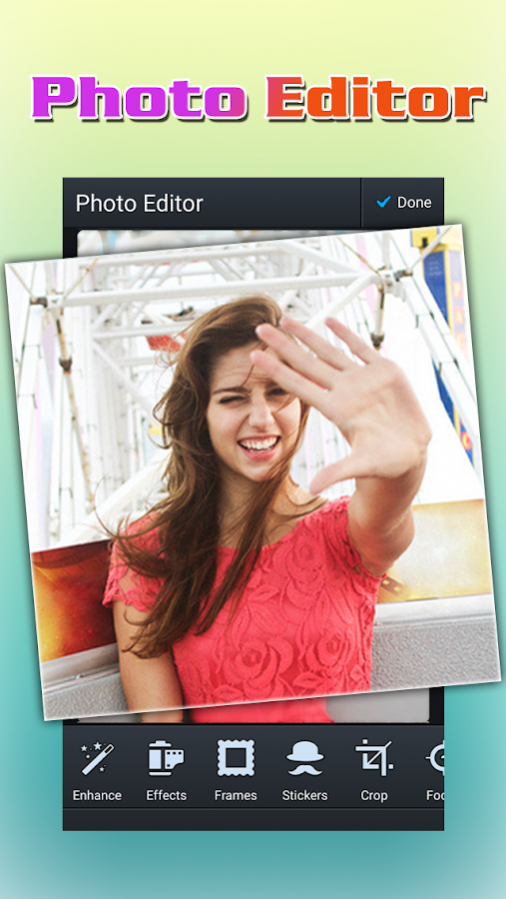
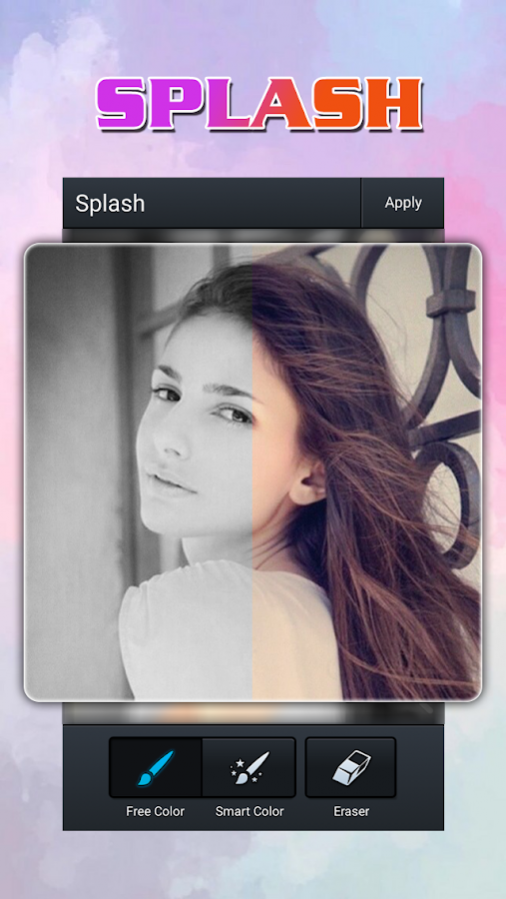
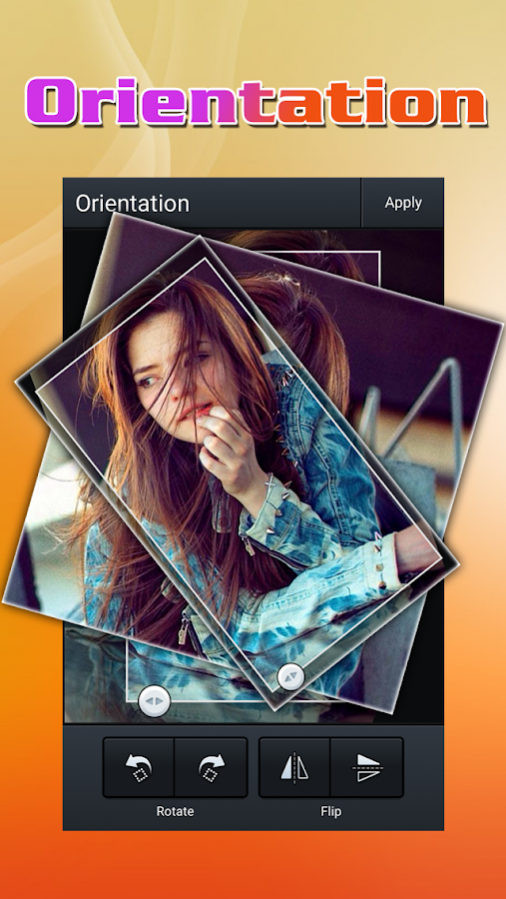
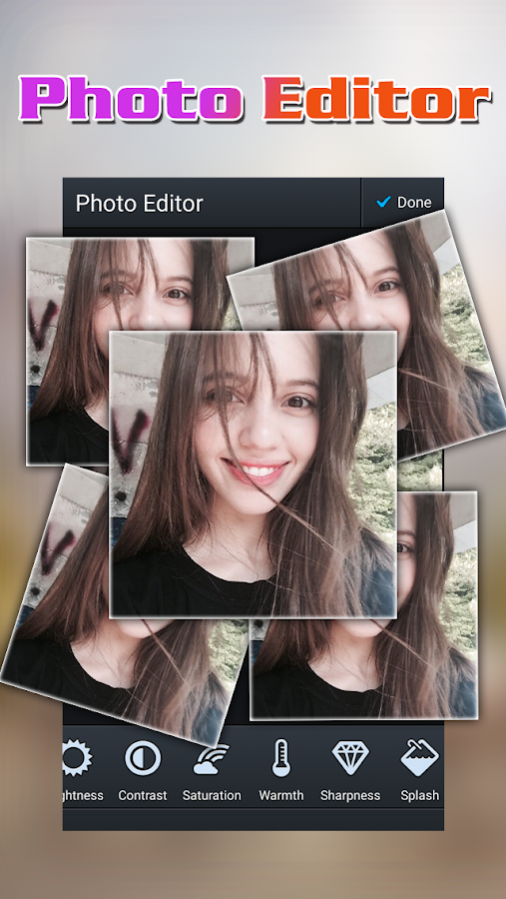
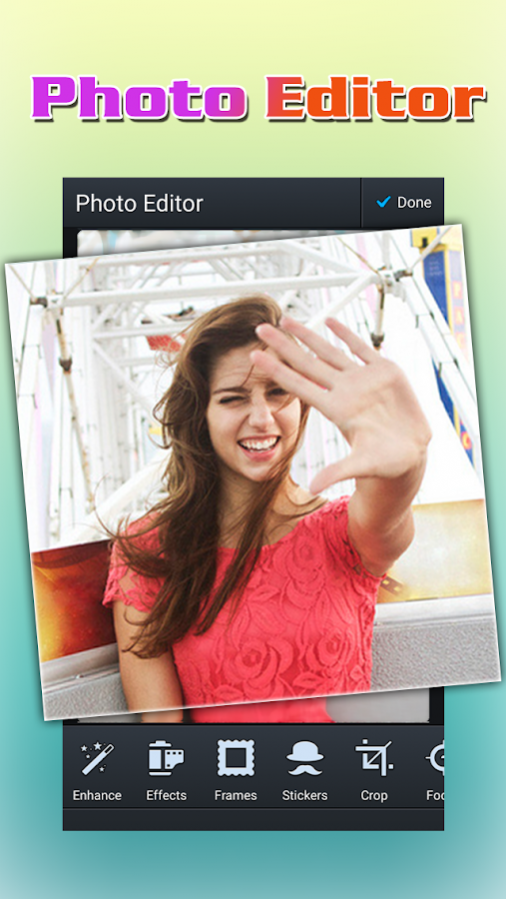
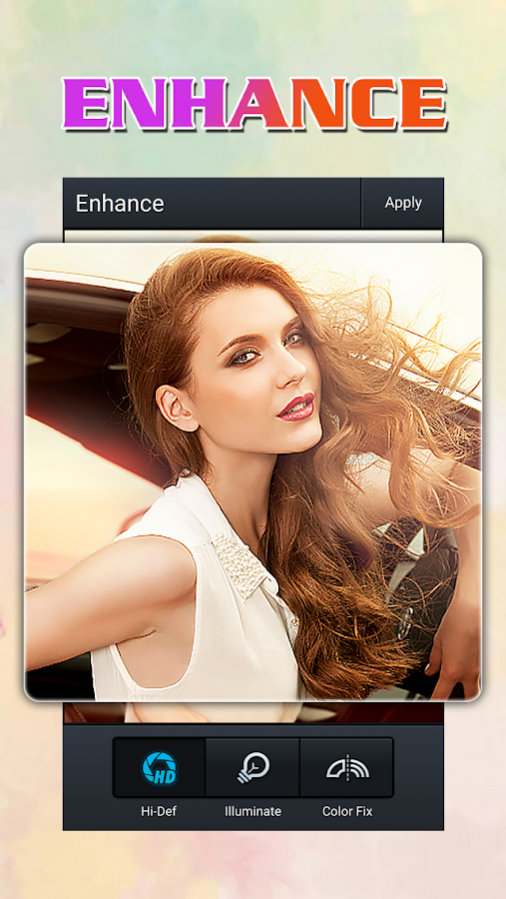
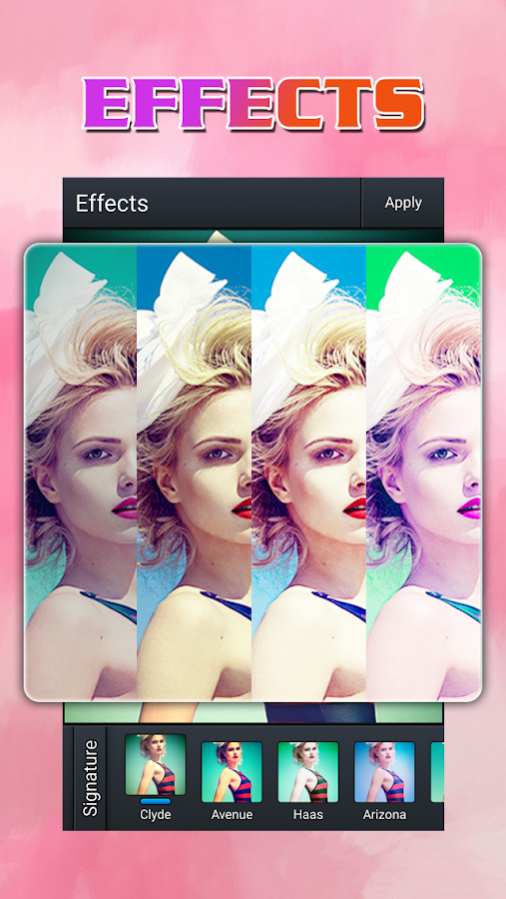
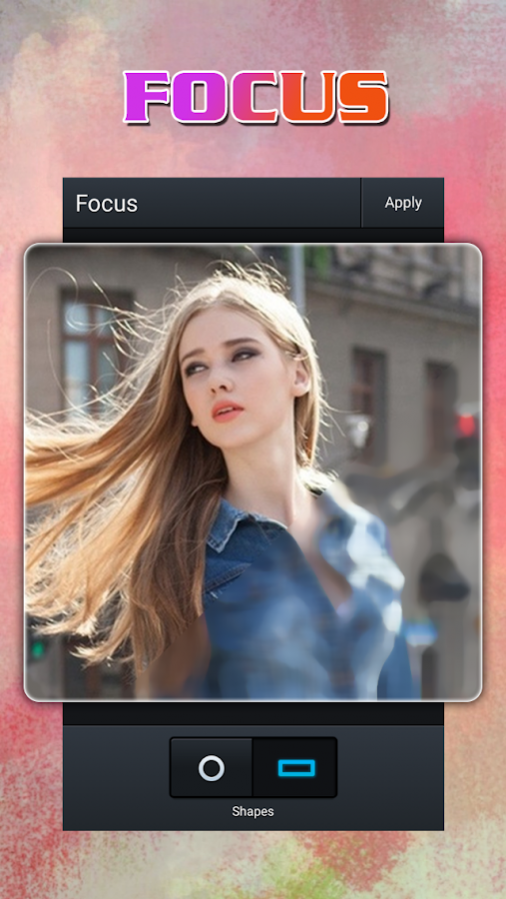
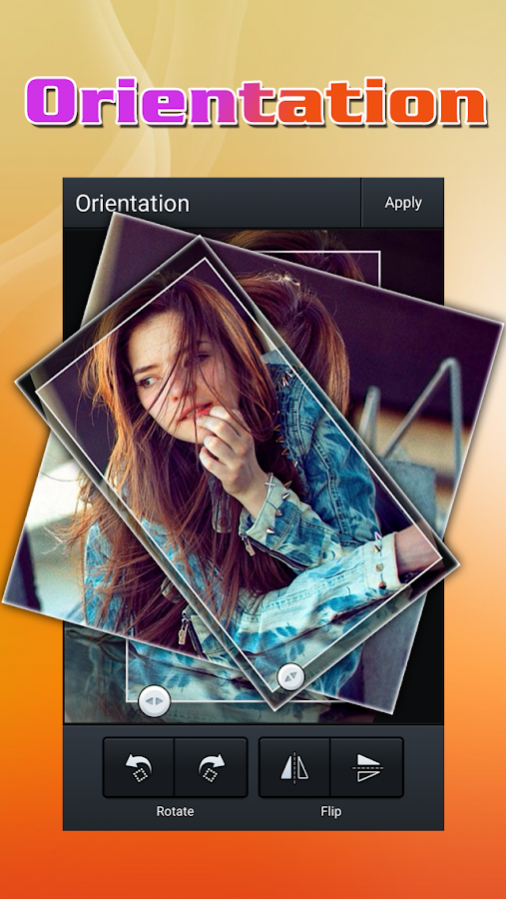
∆ Photo Editor Pro is a powerful photo tool with many amazing effects and filters!
∆ Photo Editor Pro is a full function photo app with comprehensive features. You can do almost everything you want to do on your phone with Photo Editor Pro.
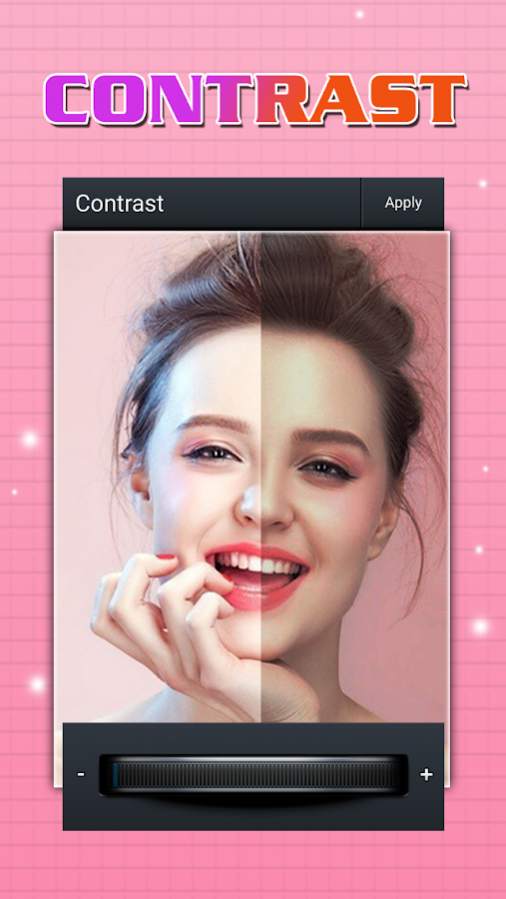
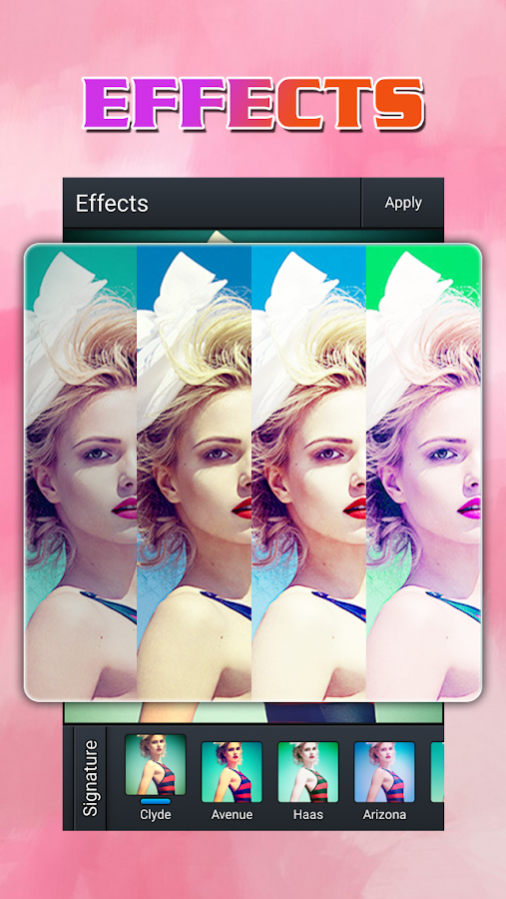
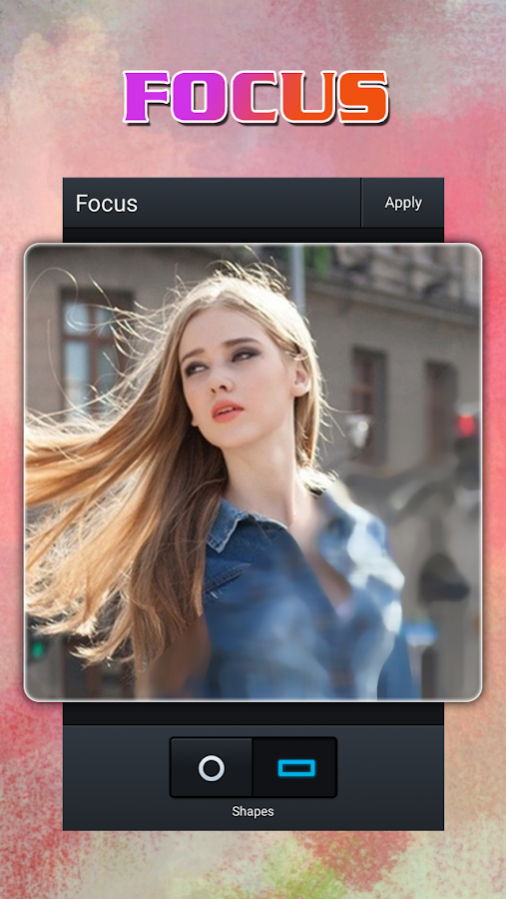
∆ With Photo Editor, you can: enhance Color, apply Effects, add Frames, add Stickers, Crop, adjust Focus, change Orientation, adjust Brightness, Contrast, Saturation, Warmth, Sharpness, Splash, Draw lines, add Text, remove Redeye, Whiten photo, Blemish and so on.
∆ Make up your pictures easily after you take selfie photos or before you put them in a photo collage.
KEY FEATURES:
*** Select photos from Gallery or use camera to take picture.
*** Effects: include Clyde, Avenue, Haas, Arizona, Lucky, Dean, Keylime, Boardwalk, Sentosa, Sage, Metropolis, Cruz.
*** Frames: include Pistol, Ivory, Punch, Instant, Studio, Antique, Splatter, Grit, Negative, Museum, Matt.
*** Lots of Stickers to choose from.
*** Crop: include Original, Square, Custom, 2:3, 3:4, 3:5, 4:5, 4:6, 5:6, 5:7, 11:14, 9:16, 10:16.
*** Focus function provides spot focus and line focus.
*** Orientation includes Rotate and Flip.
*** Visualized tuning tools for Brightness, Contrast, Saturation, Warmth, and Sharpness.
*** Splash includes Free Color, Smart Color, Eraser.
*** Multiple boldness & Dozens of Colors of drawing pencils.
*** Add texts freely with many colors.
*** Remove Red eye with a simple touch.
*** Blemish with a simple touch.
*** Share to social network.
Note: the image edited is saved in "Album/Picture" or "File Manager/DCIM/Camera" or “Gallery/Picture".
About Photo Editor
The company that develops Photo Editor is Emoji Studio - Free Music Player & QR Code & VPN. The latest version released by its developer is 2.8.
To install Photo Editor on your Android device, just click the green Continue To App button above to start the installation process. The app is listed on our website since 2017-06-04 and was downloaded 0 times. We have already checked if the download link is safe, however for your own protection we recommend that you scan the downloaded app with your antivirus. Your antivirus may detect the Photo Editor as malware as malware if the download link to com.emoji.photo_editor is broken.
How to install Photo Editor on your Android device:
- Click on the Continue To App button on our website. This will redirect you to Google Play.
- Once the Photo Editor is shown in the Google Play listing of your Android device, you can start its download and installation. Tap on the Install button located below the search bar and to the right of the app icon.
- A pop-up window with the permissions required by Photo Editor will be shown. Click on Accept to continue the process.
- Photo Editor will be downloaded onto your device, displaying a progress. Once the download completes, the installation will start and you'll get a notification after the installation is finished.
Program Details
General
System requirements
Download information
Pricing
Version History
version 2.8
posted on 2017-06-04
More filter effects!
Optimize interface and user experience.
Disclaimer
External Download
We do not host Photo Editor on our servers. We did not scan it for viruses, adware, spyware or other type of malware. This app is hosted by Galad and passed their terms and conditions to be listed there. We recommend caution when installing it.
The APK Download link for Photo Editor is provided to you by apps112.com without any warranties, representations or guarantees of any kind, so access it at your own risk.
If you have questions regarding this particular app contact the publisher directly. For questions about the functionalities of apps112.com contact us.
